Prime editor
Build and preview inventions. Deliveries arrive in the MIKEYBOX room.
 MIKEYBOXCREATE BEYOND THE GAME
USER GUIDE
Build Animal Company inventions in your browser, keep and share them, and bring them into the game. You need a desktop browser or the Quest browser. An account is only needed to save builds online (Discord) and to receive them in the game (your Animal Company account).
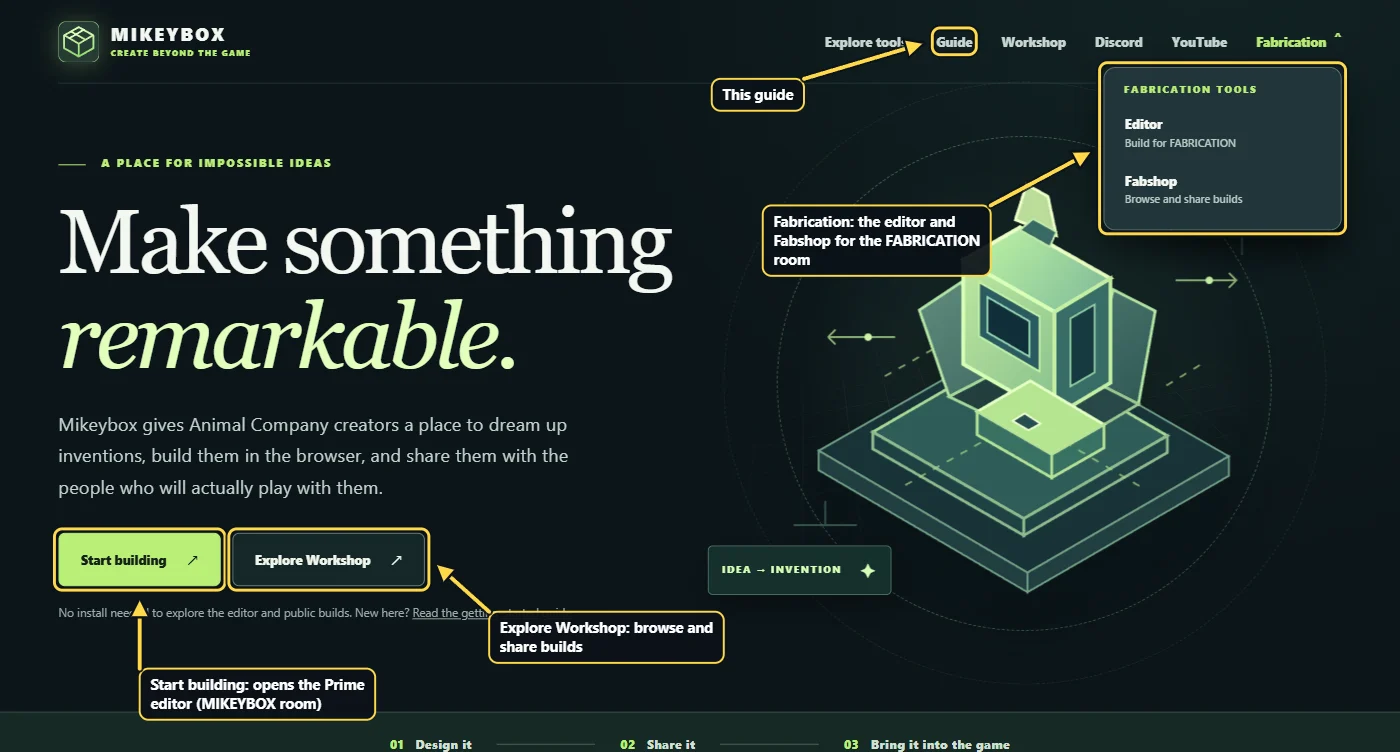
Mikeybox has an editor and a Workshop for each of two game rooms. Use the pair for the room you play in.
Build and preview inventions. Deliveries arrive in the MIKEYBOX room.
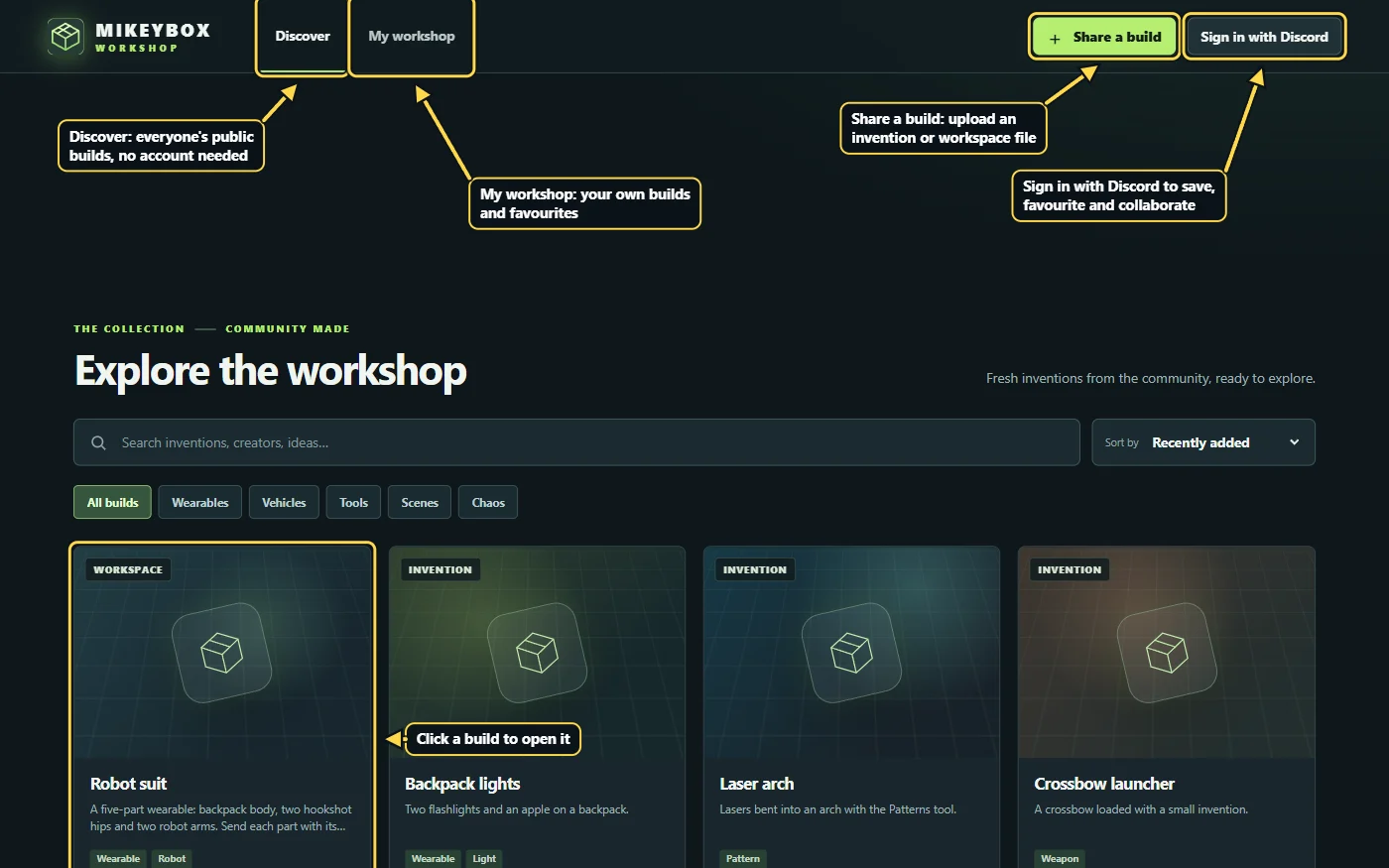
Browse, save, share and remix Prime builds.
The same editor for the FABRICATION room.
The Workshop for Fabrication builds.
Prime and Fabrication are separate: each has its own Workshop, sign-in and backups. You can still move a workspace from one to the other (see Workspaces).
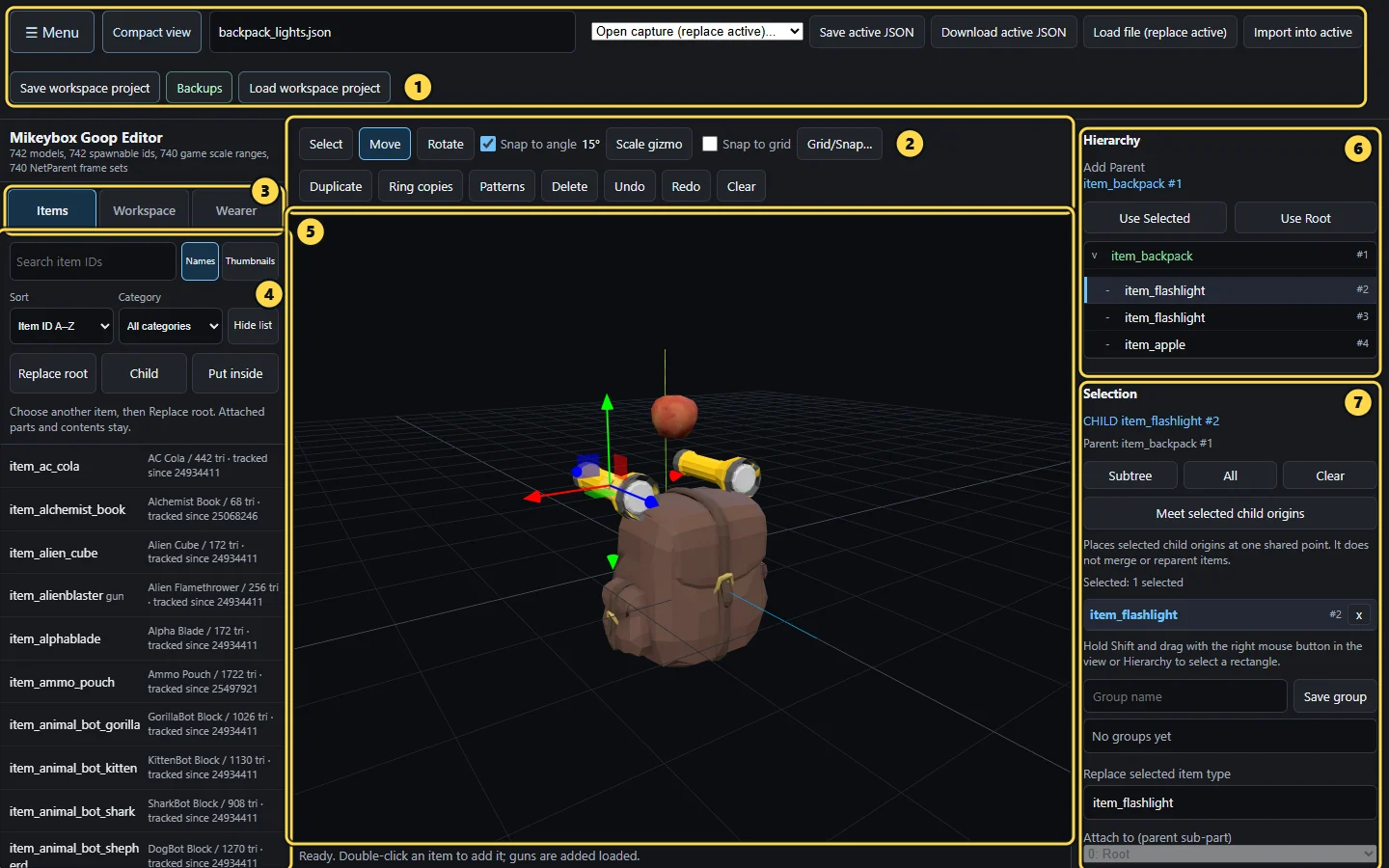
On a Quest headset: the editor opens in Classic view, with the buttons wrapping to fit. Compact view moves the file and scene buttons under ☰ Menu; the browser remembers your choice.
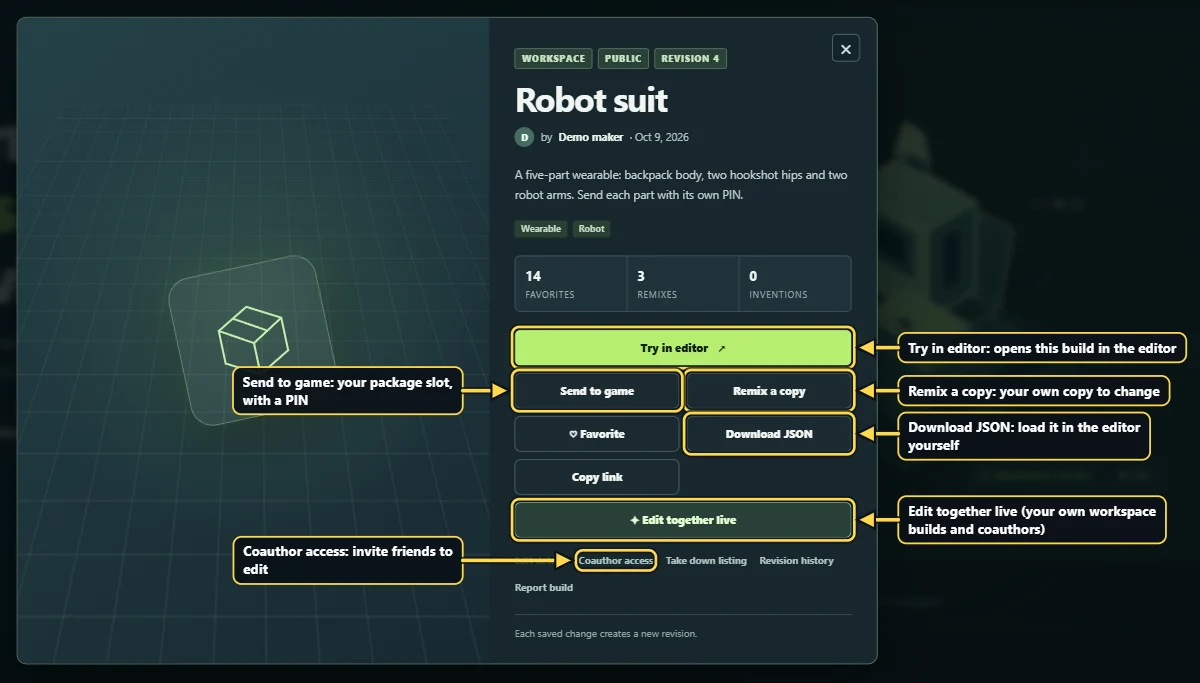
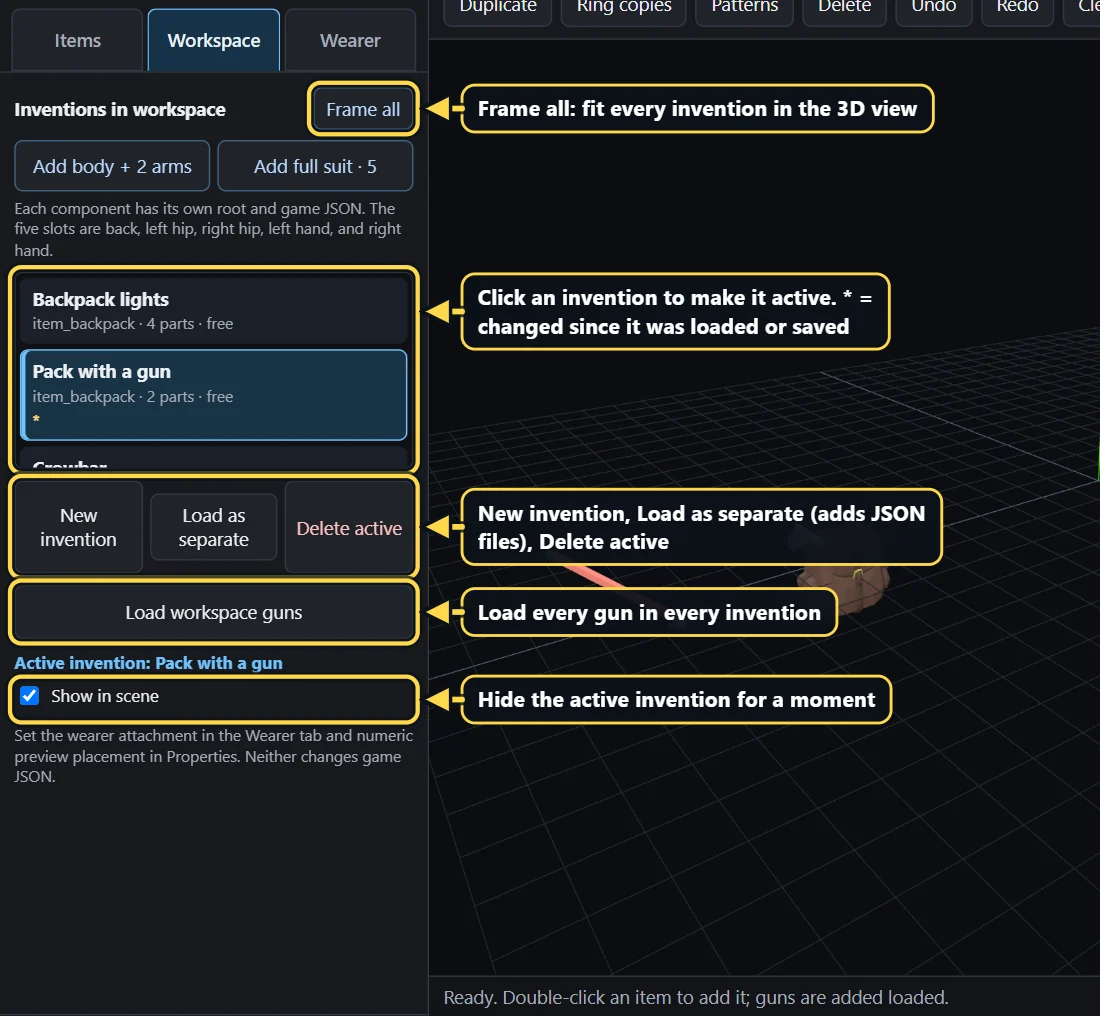
A workspace is everything open in your editor tab: one or more separate inventions, such as a backpack body and two robot arms. One invention is active at a time; it is the one you add items to, save and send. Open the Workspace tab on the left to see them all, switch between them, add new ones or delete one.
Reloading or closing the editor opens it empty. Your work is not lost: bring it back with Backups, a workspace project file, or the Workshop.
The editor saves snapshots in your browser by itself while you work. Press Backups and Restore to get one back. They stay on that browser and device only.
Save workspace project downloads one file with every invention. Load workspace project opens it again, on any computer.
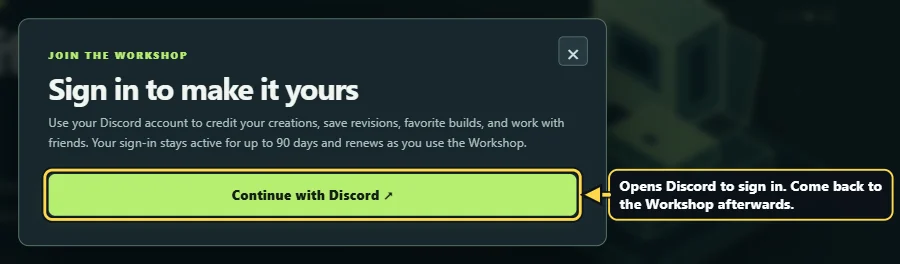
The editor's Workshop button saves the whole workspace online with every revision. Invite friends as coauthors and edit it together live.
In the editor's Workshop panel, send the workspace straight to the other editor, share a copy to the other site's Workshop, or link both Workshop accounts.
The game spawns single inventions, so each invention in a workspace is sent on its own, with its own PIN.
Step-by-step instructions and pictures: Work with workspaces, Share and edit together in Workshop, and Share between Prime and Fabrication in the editor guide.
A workspace with several inventions (a five-part suit, say) is sent one invention at a time, each with a different PIN.
Ask in the Mikeybox Discord, read the full editor guide, or watch builds come together on YouTube.
Open the editor